Getting started
This guide starts rackend, creates a collection with access rules, writes and reads records over the API, and downloads the OpenAPI document. It takes about five minutes.
You need Docker, curl and jq. Every command below runs as is in a terminal; rackend’s CI runs this page on a clean machine for every change.
1. Start rackend
Section titled “1. Start rackend”docker run -d --name rackend -p 8080:8080 -v rackend_data:/data \ -e RACKEND_SUPERUSER_EMAIL=admin@example.com \ -e RACKEND_SUPERUSER_PASSWORD='a long admin password' \ ghcr.io/axanet/rackend:0.0The two variables create the first superuser, so this guide needs no browser. Without them, rackend prints a one-time setup link in its log (docker logs rackend); open it to create the superuser in the admin UI (see First start).
Wait until it answers:
until curl -fs http://localhost:8080/api/health; do sleep 1; done; echoThe admin UI is at http://localhost:8080/_/. Sign in with the email and password above.
2. Sign in to the API
Section titled “2. Sign in to the API”Superusers sign in like users and get an access token:
TOKEN=$(curl -fsS http://localhost:8080/api/superusers/auth-with-password \ -H 'Content-Type: application/json' \ -d '{"email":"admin@example.com","password":"a long admin password"}' | jq -r .access_token)3. Create a collection
Section titled “3. Create a collection”A collection is a table with typed fields and access rules. This one is readable by anyone, but only its published records:
curl -fsS http://localhost:8080/api/collections \ -H "Authorization: Bearer $TOKEN" -H 'Content-Type: application/json' \ -d '{ "name": "posts", "fields": [ {"name": "title", "type": "text", "required": true}, {"name": "published", "type": "bool"} ], "rules": {"list": "published = true", "view": "published = true"} }' | jq .nameRules without a value (here create, update and delete) are locked: only superusers may do that. An empty rule ("") allows everyone. See the rules guide.
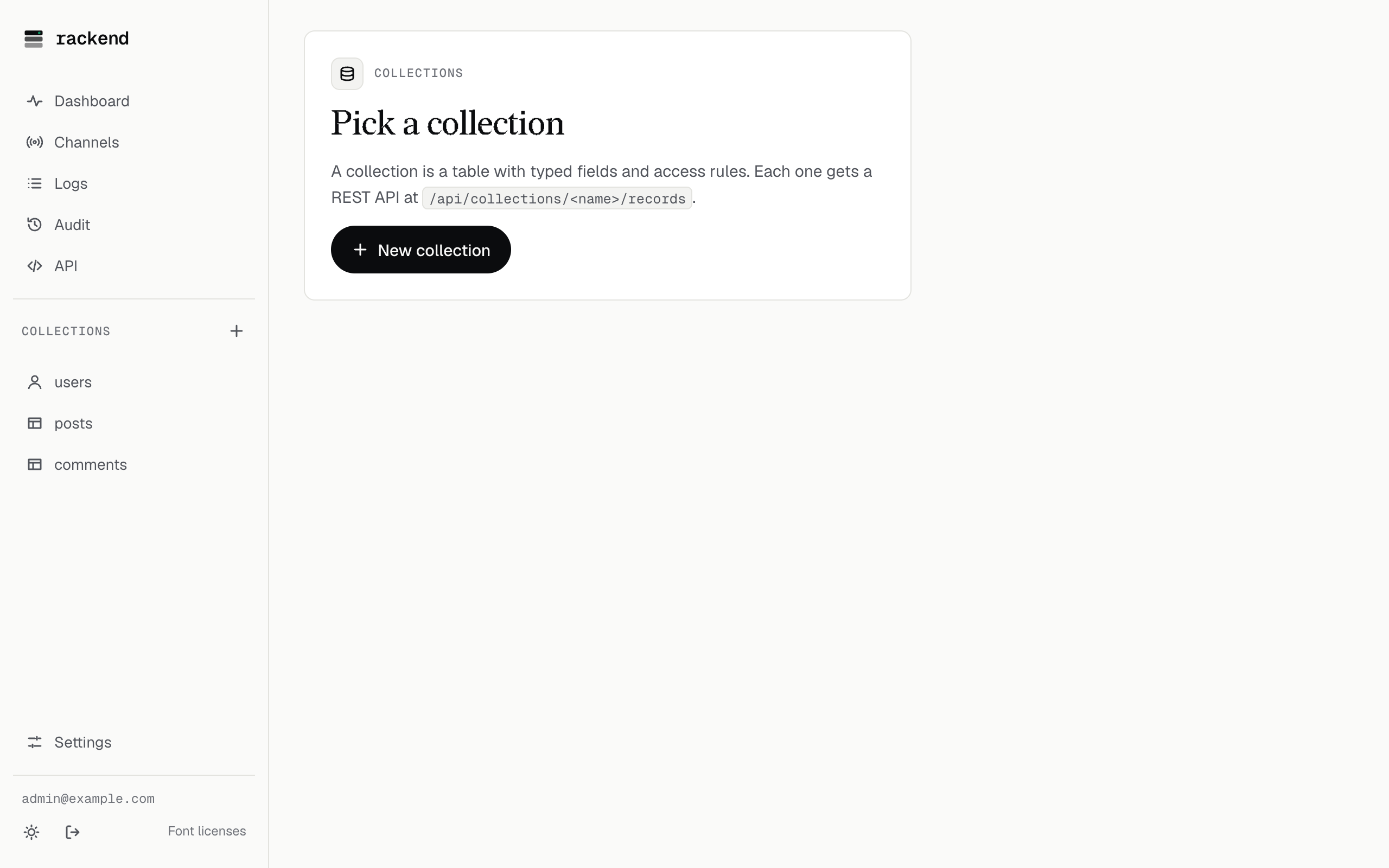
The same collection, created in the admin UI, looks like this:
4. Write and read records
Section titled “4. Write and read records”As the superuser, add one published and one draft post:
for post in '{"title":"Hello, rackend","published":true}' '{"title":"A draft","published":false}'; do curl -fsS http://localhost:8080/api/collections/posts/records \ -H "Authorization: Bearer $TOKEN" -H 'Content-Type: application/json' \ -d "$post" | jq -c '{id, title}'doneWithout a token, the list rule applies, so only the published post comes back:
curl -fsS 'http://localhost:8080/api/collections/posts/records?sort=-created' | jq -c '.items[] | {title}'Filters use the same language as rules:
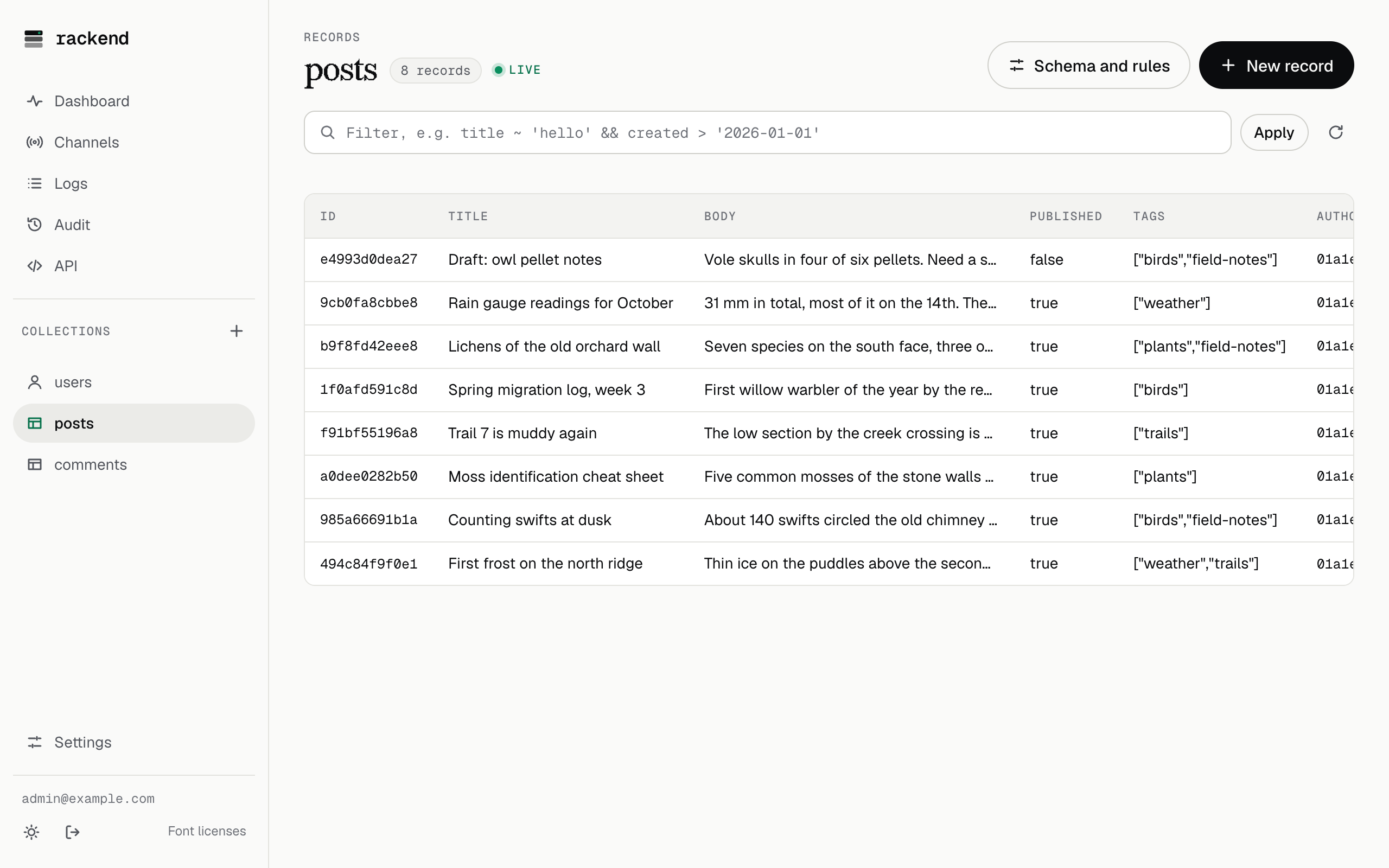
curl -fsS -G http://localhost:8080/api/collections/posts/records \ -H "Authorization: Bearer $TOKEN" \ --data-urlencode "filter=title ~ 'draft'" | jq '.total_items'In the admin UI, the records of a collection are a table you can sort, filter and edit:
5. Generate a client
Section titled “5. Generate a client”rackend describes its API, including your collections, as an OpenAPI document:
curl -fsS http://localhost:8080/api/openapi.json -H "Authorization: Bearer $TOKEN" -o openapi.jsonjq -r '.paths | keys[]' openapi.json | grep postsFeed it to a generator to get a typed client for your language: see Generating a client.
6. Clean up
Section titled “6. Clean up”docker rm -f rackenddocker volume rm rackend_data- Run rackend: storage, reverse proxies, backups, upgrades, monitoring.
- Rules: who may see and change what.
- Realtime: live updates over SSE or WebSocket.