File storage
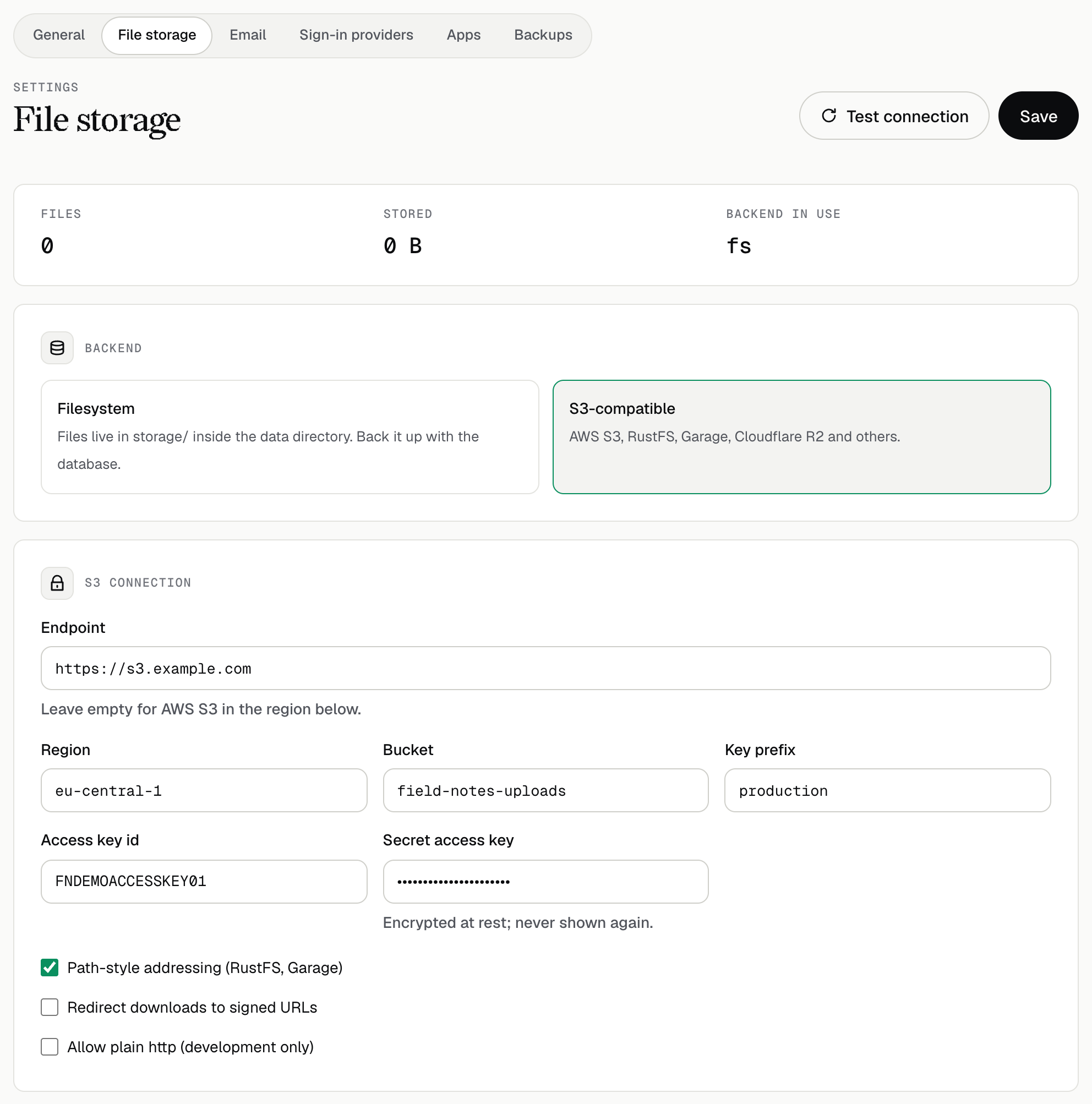
Uploaded files go to storage/ in the data directory by default. To use an S3-compatible bucket instead (AWS S3, RustFS, Garage, Cloudflare R2 and others), open Settings in the admin UI, choose S3-compatible, fill in the endpoint, bucket and keys, and use Test connection before saving. The secret key is encrypted at rest (see Secrets at rest). Path-style addressing is on by default because most self-hosted servers need it.
- Switching backends does not move existing files. rackend refuses the switch while files exist unless you confirm it (
PATCH /api/settings?force=true); copy the files yourself first. - Thumbnails are cached in the same backend under
_thumbs/. They are made again on demand, so they need no backup;storage.thumb_cache_max_mbcaps the cache. - Removed files are deleted shortly after the change. A daily cleanup (also at start) removes blobs that no record refers to.
- Backups include the files only with local storage; with S3, turn on bucket versioning to keep older files.