Verification, password reset, email change, one-time codes and magic links need SMTP and a public URL (the links point at it). Set them in Settings → Email, or with PATCH /api/settings:
{ "smtp": { "host": "smtp.example.com", "port": 587, "tls": "starttls", "username": "rackend", "password": "…", "from_name": "Acme", "from_address": "noreply@example.com" } }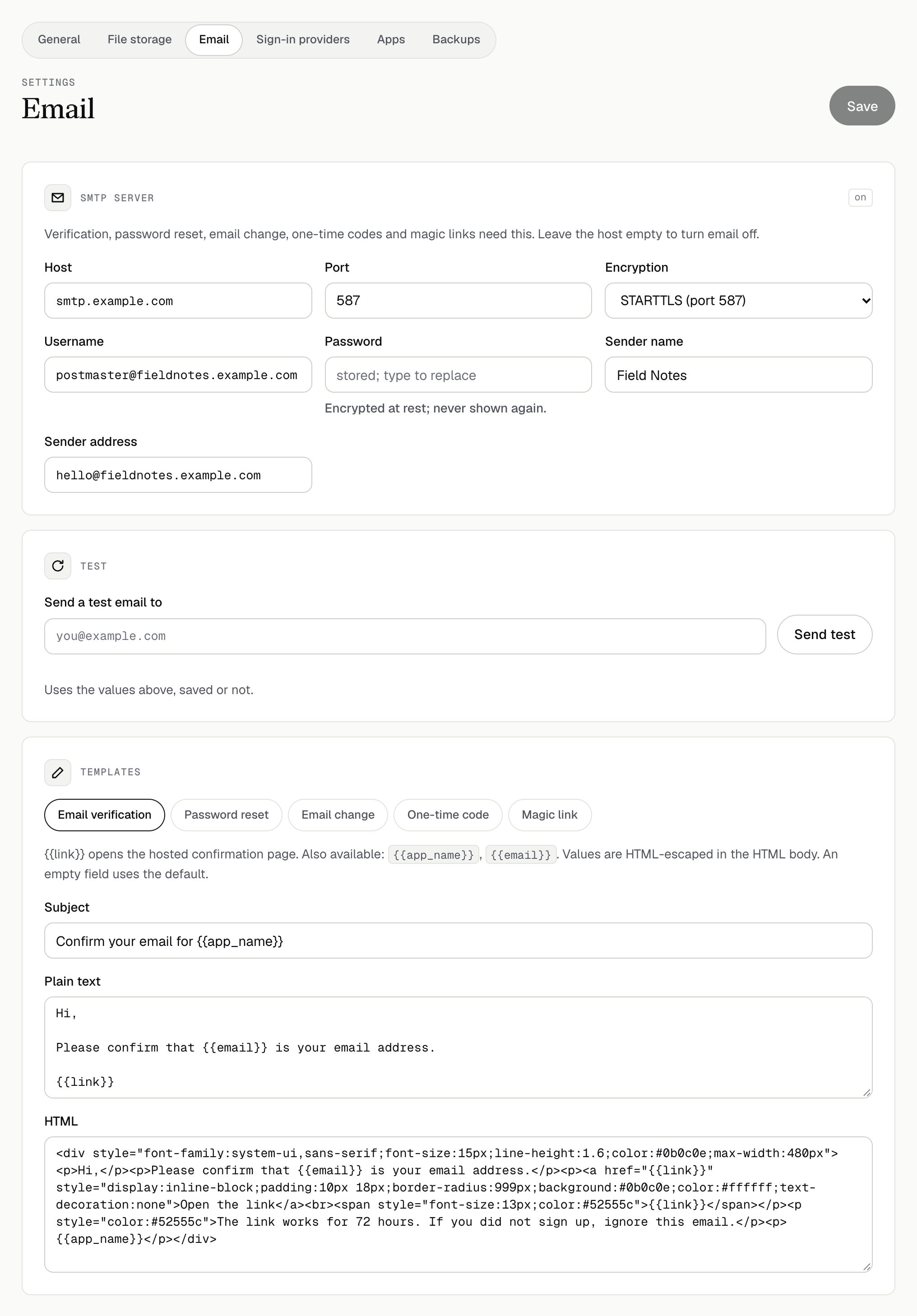
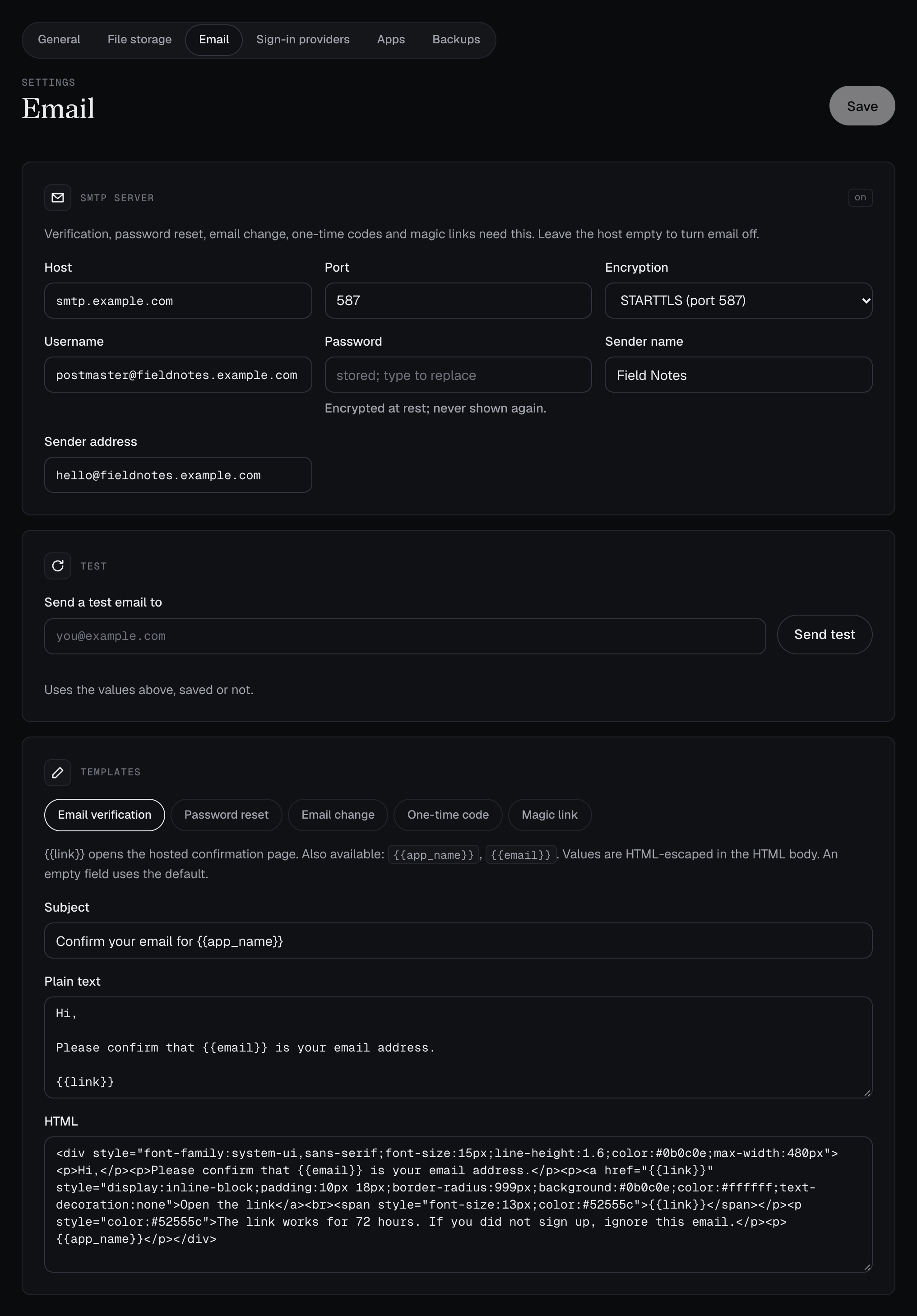
tls:starttls(port 587),tls(port 465) ornone(a relay on the same host only). The password is stored encrypted.- Send test in the admin UI (or
POST /api/settings/test-smtp {"to": "you@example.com"}) checks the settings without saving them. - Templates for every email are editable in the same place.
{{app_name}},{{link}},{{code}}and{{email}}are replaced; values are escaped in the HTML body. - Links in emails open pages served by rackend (
/auth/verify,/auth/reset,/auth/email-change). If a reverse proxy only forwards/api, forward/authtoo.