Sign in to your apps
rackend is an OpenID Connect provider. Your apps send users to rackend’s sign-in page, rackend signs them in with the methods you turned on (password, passkeys, email codes, Google, GitHub and other providers) and returns standard tokens. Use any OpenID Connect library; there is nothing rackend-specific to install.
Set it up
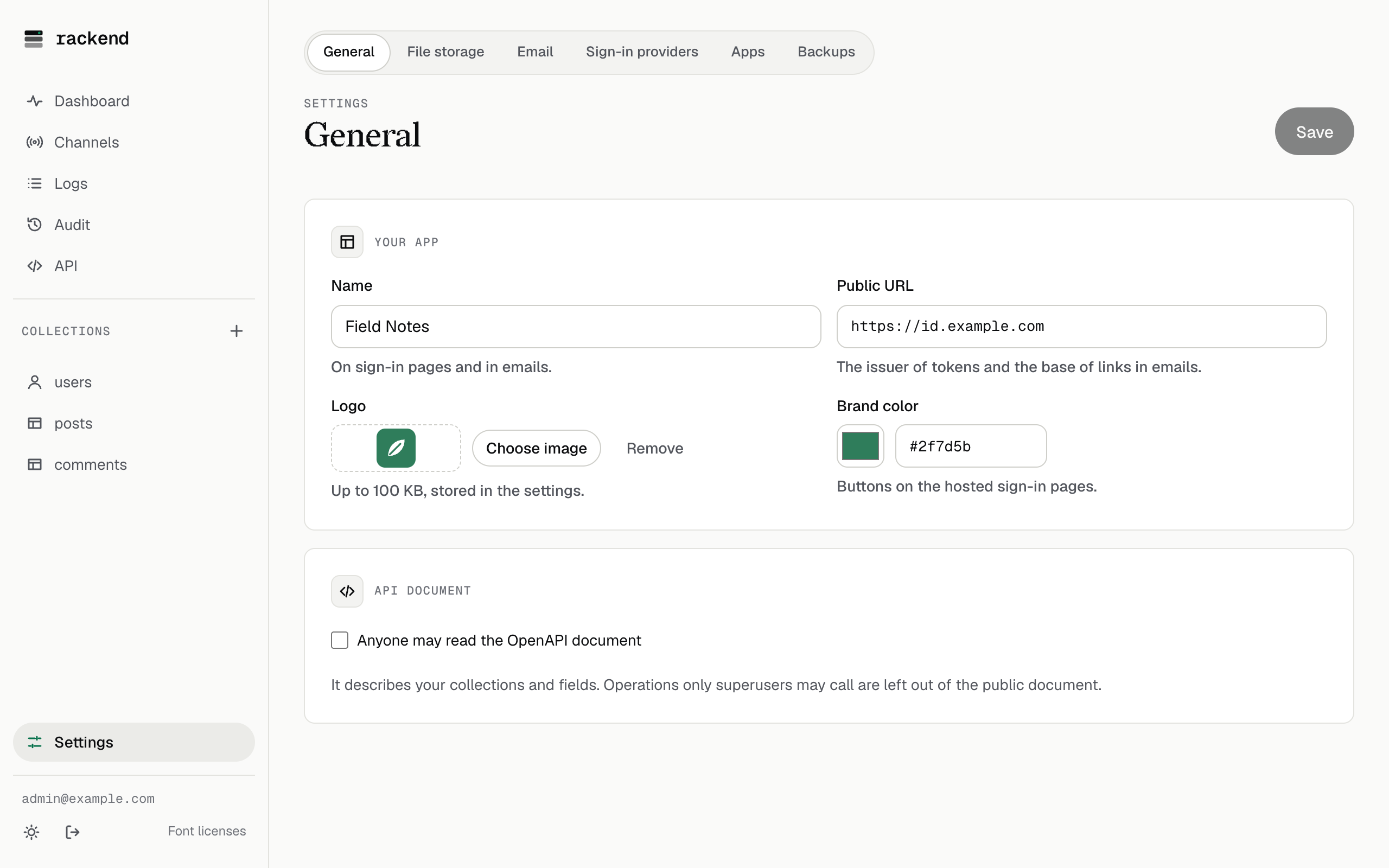
Section titled “Set it up”- Set the public URL (Settings → General). It is the issuer of every token:
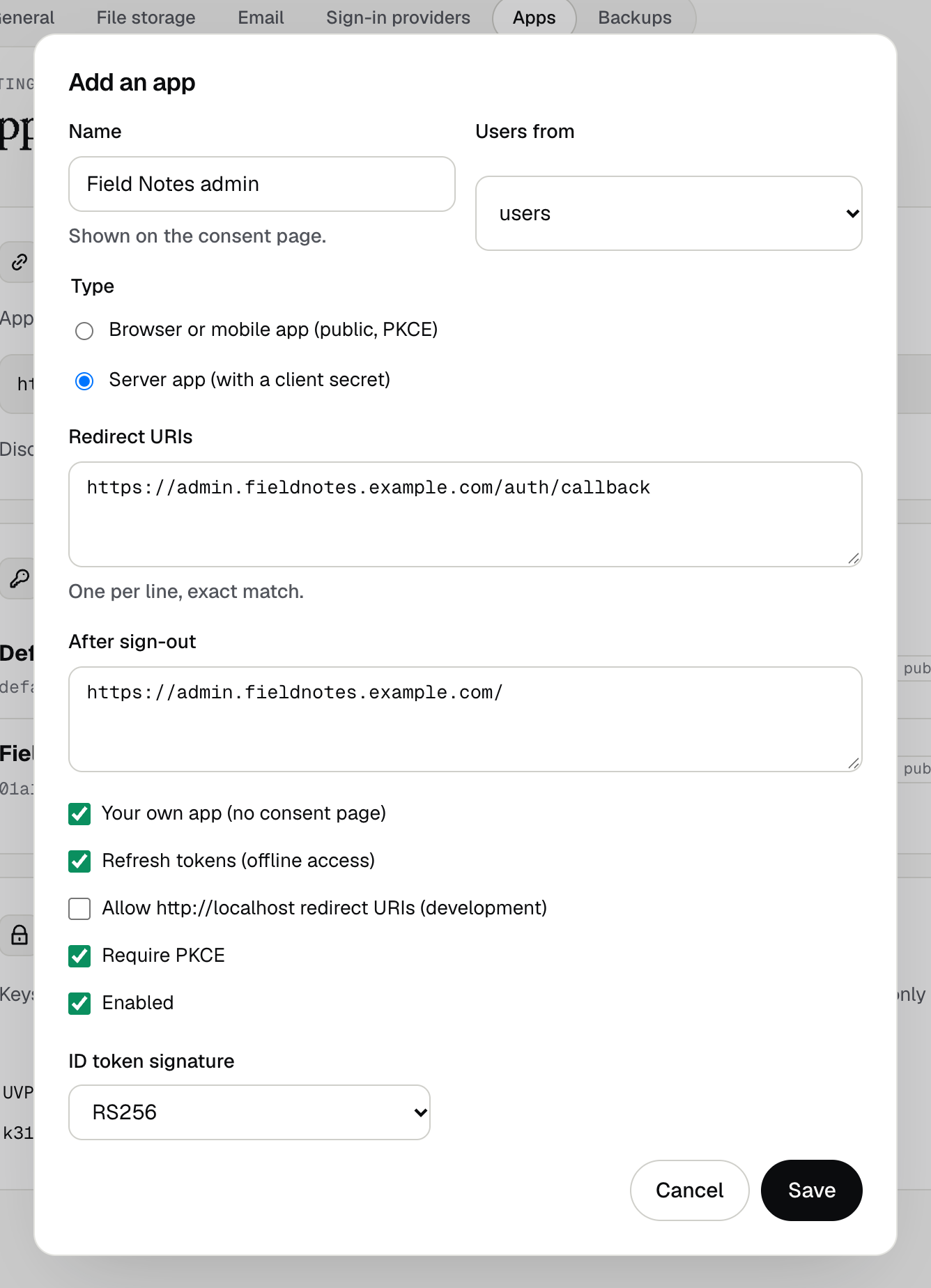
https://id.example.com. - Add your app in Settings → Apps:
- Browser or mobile app (public): no secret, PKCE required. For SPAs and native apps.
- Server app (confidential): gets a client secret, shown once.
- Redirect URIs: the exact URLs your app receives the sign-in result at.
- Your own app: skips the consent page. Leave it off for apps made by others.
- Point your library at the issuer. It reads
https://id.example.com/.well-known/openid-configurationand finds everything else.
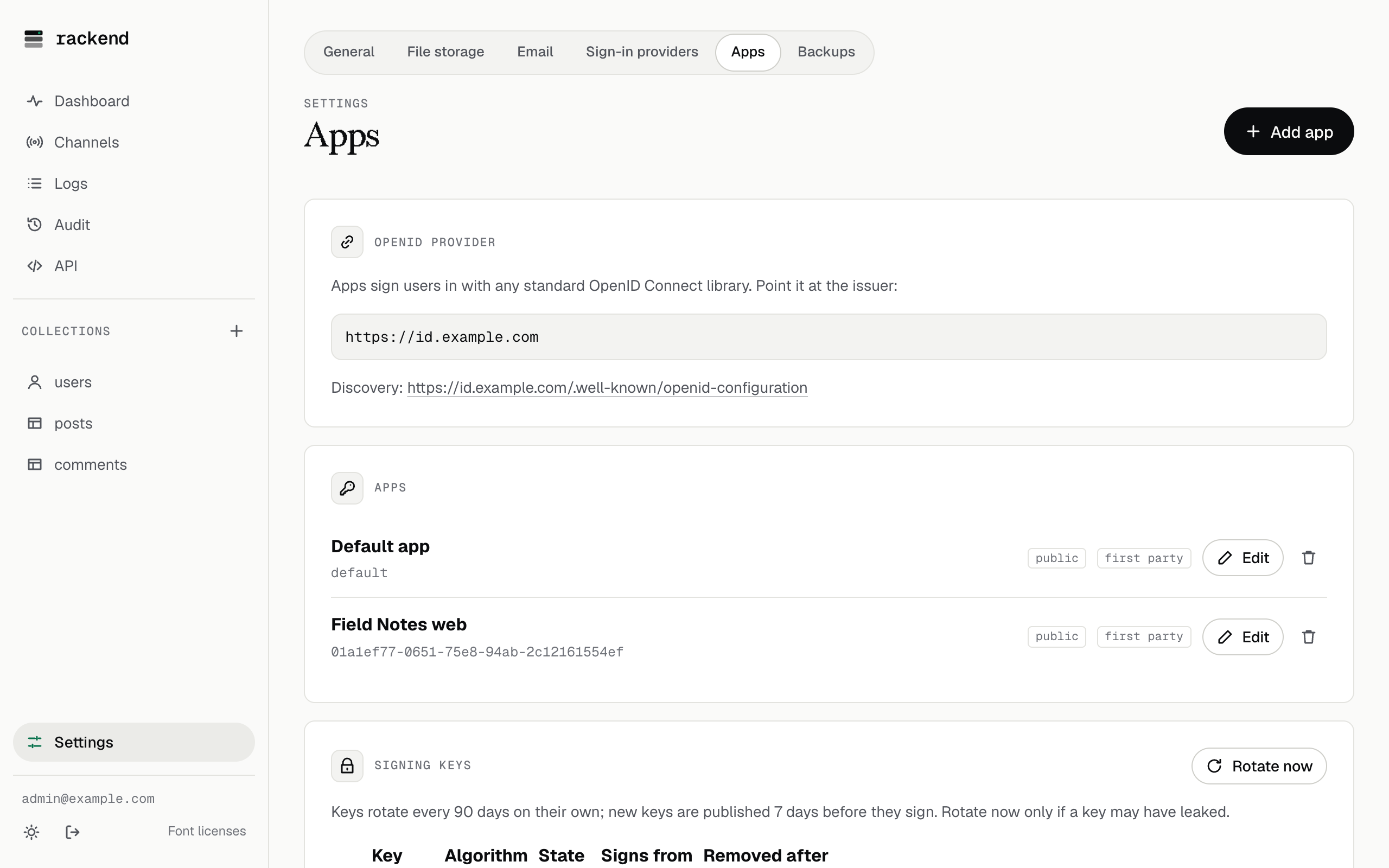
Every instance has an app called default for your own SPA: add its redirect URI and use client_id: "default". In dev mode it accepts http://localhost:*.
Behind a reverse proxy, forward /.well-known/, /oauth2/ and /auth/ as well as /api/ (see Behind a reverse proxy). The issuer is the public URL, so set it before apps sign in, and do not change it afterwards: tokens and app configurations depend on it.
Example: a single page app
Section titled “Example: a single page app”With oidc-client-ts:
import { UserManager } from 'oidc-client-ts';
const auth = new UserManager({  authority: 'https://id.example.com',  client_id: 'default',  redirect_uri: 'https://app.example.com/callback',  post_logout_redirect_uri: 'https://app.example.com/',  scope: 'openid profile email offline_access',});
await auth.signinRedirect();                 // to rackend's sign-in pageconst user = await auth.signinRedirectCallback(); // on /callbackawait fetch('https://id.example.com/api/collections/notes/records', {  headers: { Authorization: `Bearer ${user.access_token}` },});
A complete example is in examples/oidc-spa.
What you get
Section titled “What you get”| Flow | Authorization code. PKCE S256 for public apps (and by default for server apps). |
| Scopes | openid (required), profile (name, picture), email, offline_access (refresh tokens) |
| ID token | Signed RS256 (or ES256 per app), valid 5 minutes, with sid, auth_time and nonce |
| Access token | A JWT for 15 minutes (per app). rackend’s own API accepts it; other services can verify it with the JWKS. |
| Refresh token | Opaque, rotated on every use; reusing an old one ends the session |
| Sign-out | end_session_endpoint with id_token_hint and a registered post_logout_redirect_uri |
Access tokens work on rackend’s API like its own tokens, and stop working there as soon as the user signs out or the session is revoked. Services that only check the signature accept them until they expire.
The sign-in page
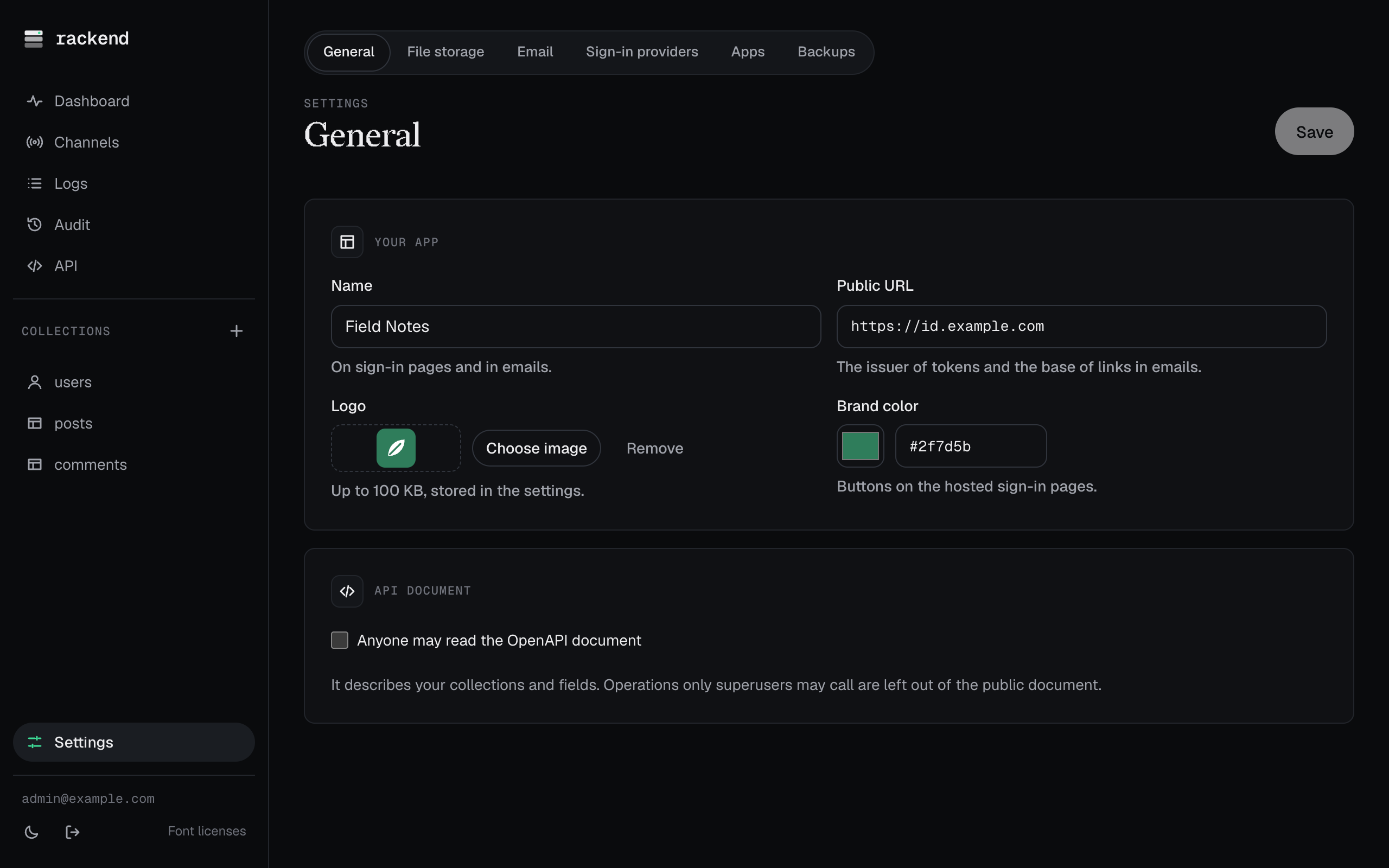
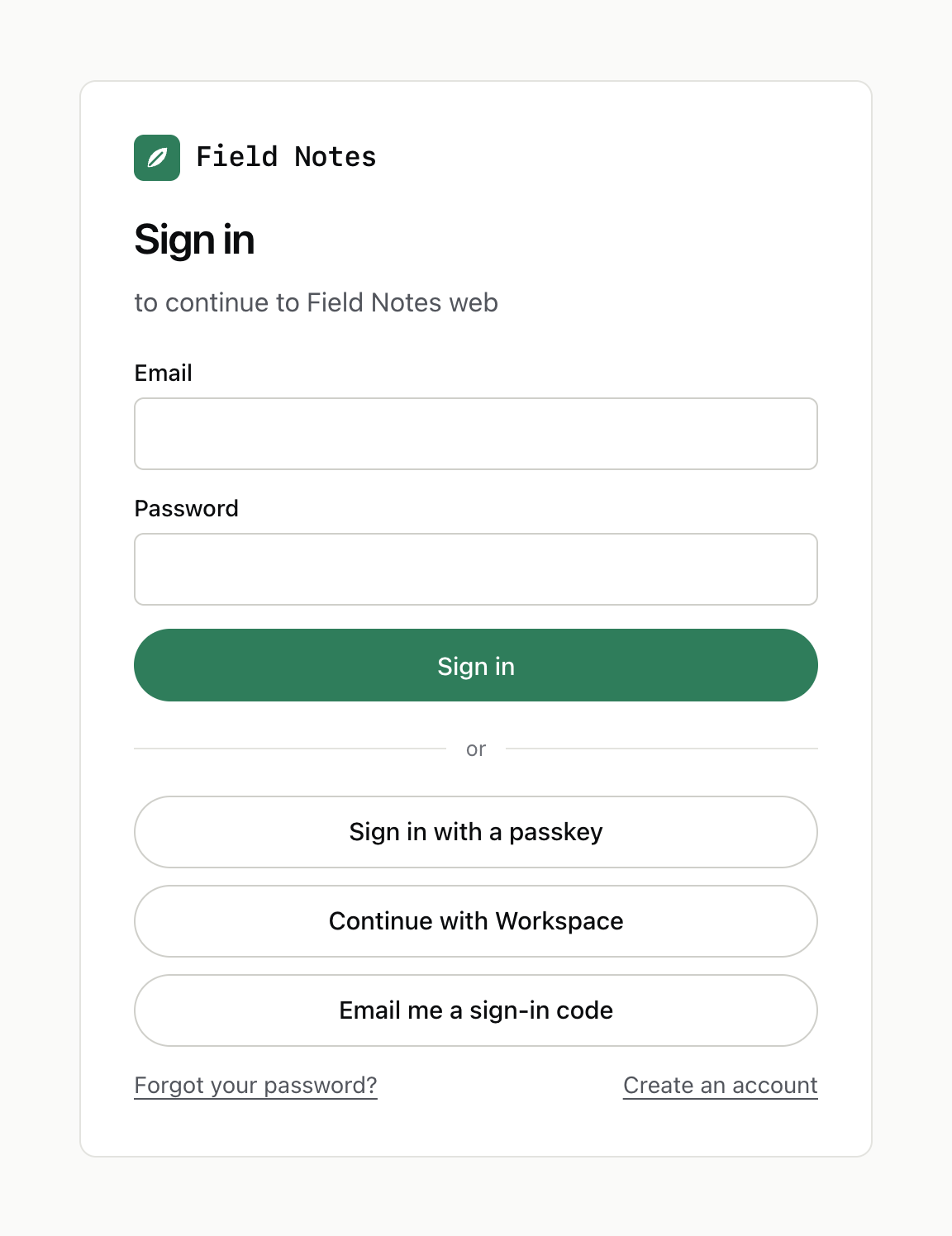
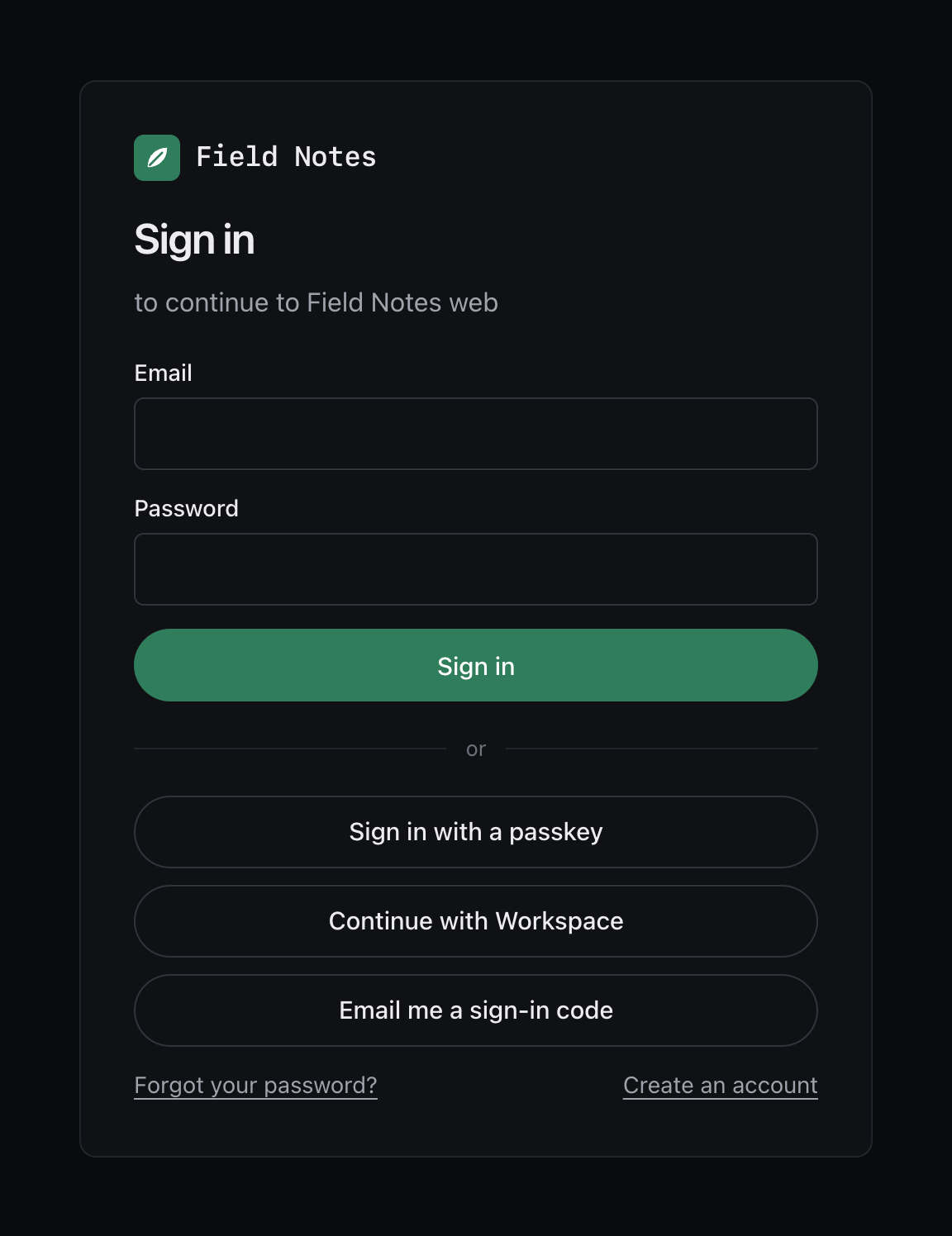
Section titled “The sign-in page”The hosted pages use your app name, logo and brand color (Settings → General).
They show the sign-in methods of the app’s auth collection: email and password, passkeys, a code by email (needs email), sign-in providers, sign-up when it is on, and password reset. They work without JavaScript, except for passkeys.
rackend signs with RS256 and ES256 keys that rotate every 90 days on their own. New keys are published a week before they sign; old keys stay published until their tokens can have expired. If a key may have leaked, use Rotate now in Settings → Apps.
Conformance
Section titled “Conformance”The provider is tested nightly with the OpenID Foundation conformance suite (Basic OP and Config OP profiles).