Sign-in providers
Settings → Sign-in providers adds OpenID Connect providers (presets for Google, Microsoft Entra ID, Apple, GitLab, Authentik, Pocket ID, Keycloak, Zitadel, or any issuer) and GitHub.
-
Set the public URL first.
-
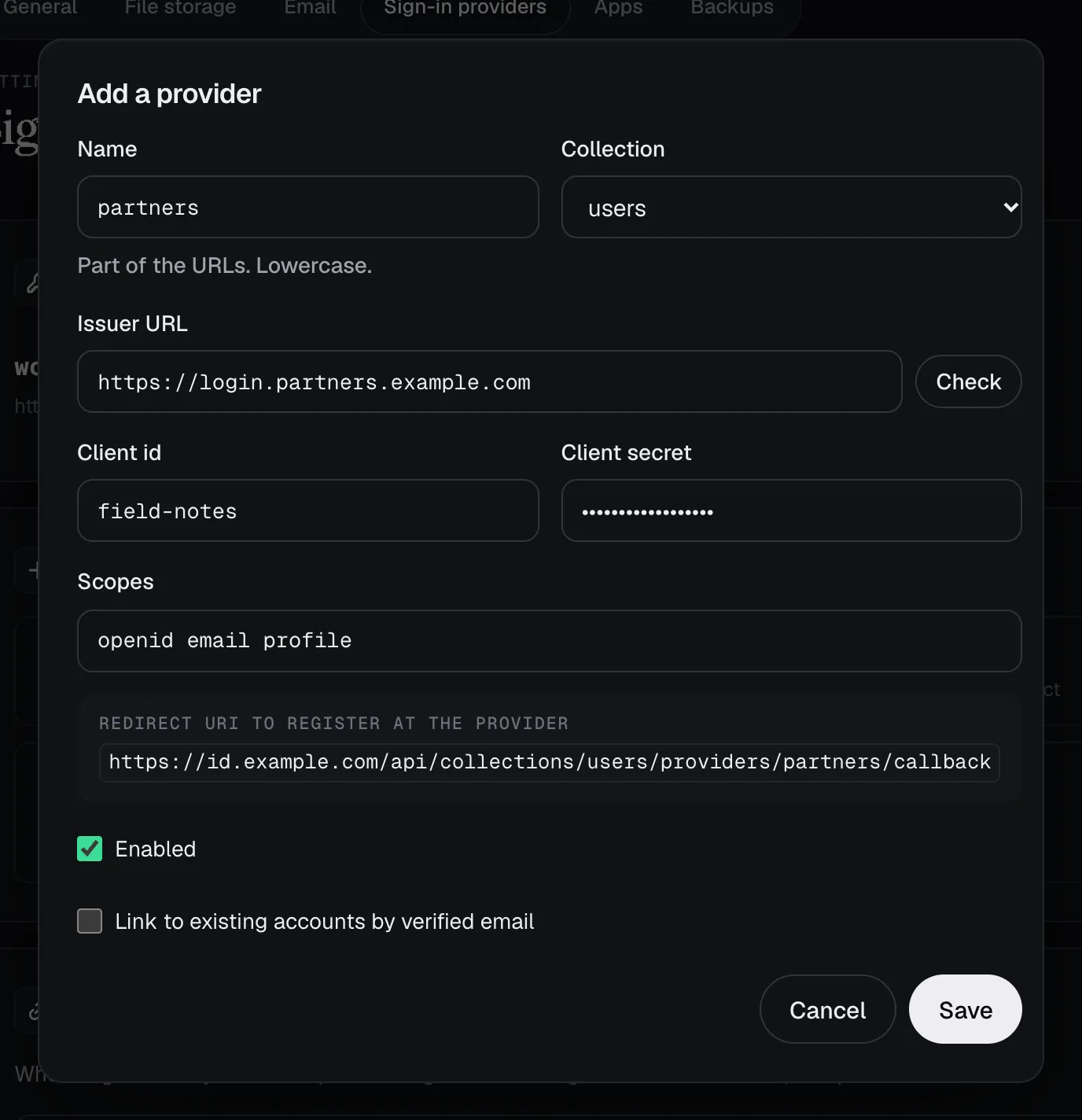
Register the redirect URI the dialog shows at the provider:
{public_url}/api/collections/{collection}/providers/{name}/callback.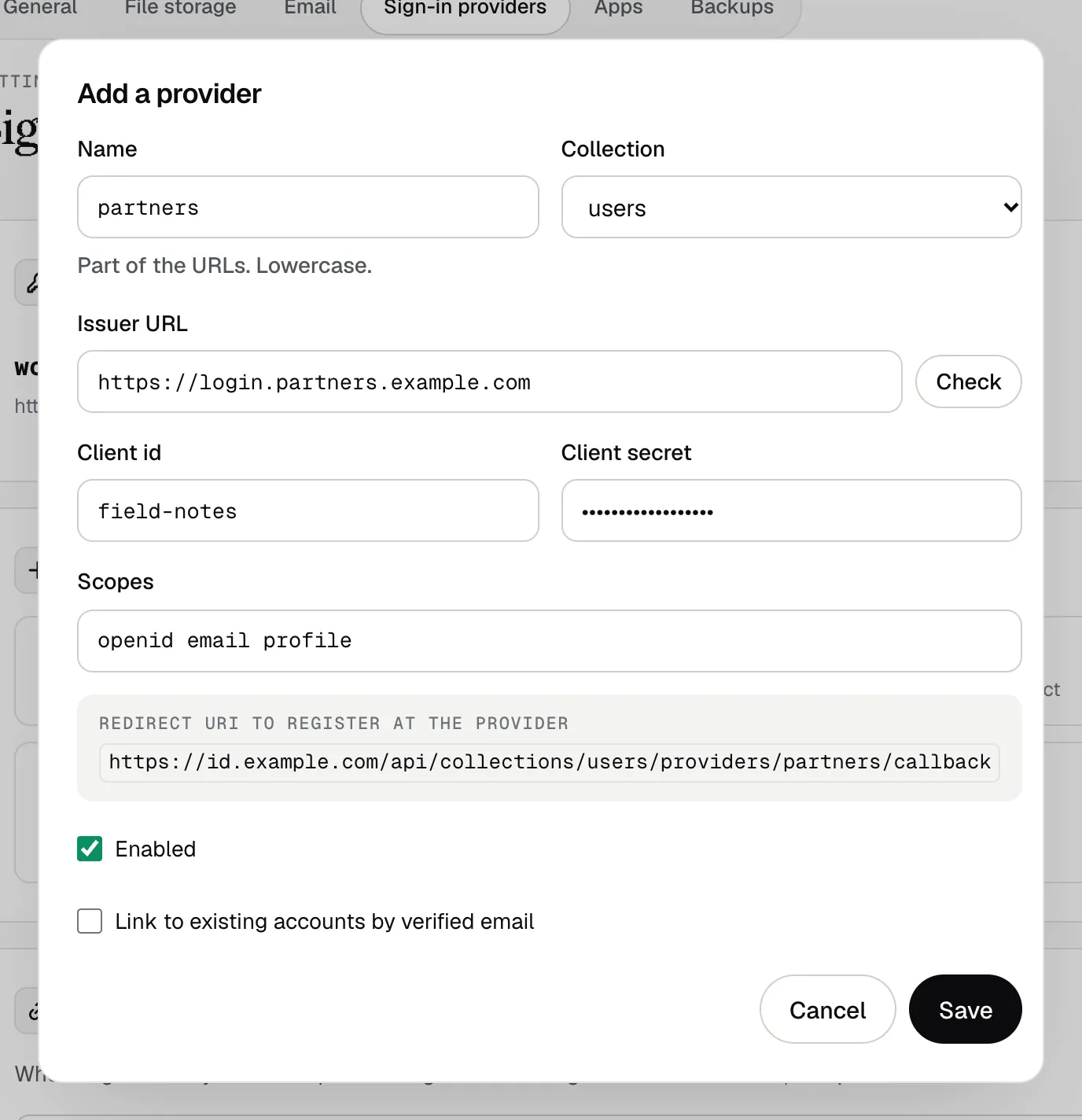
-
Add your app’s return URL to App redirect URIs (exact match). Apps start a sign-in at
GET /api/collections/{c}/providers/{name}/start?redirect_uri=<that URL>, receive#code=…(or#error=…) and exchange the code atPOST /api/collections/{c}/auth-with-exchange-codewithin 60 seconds. -
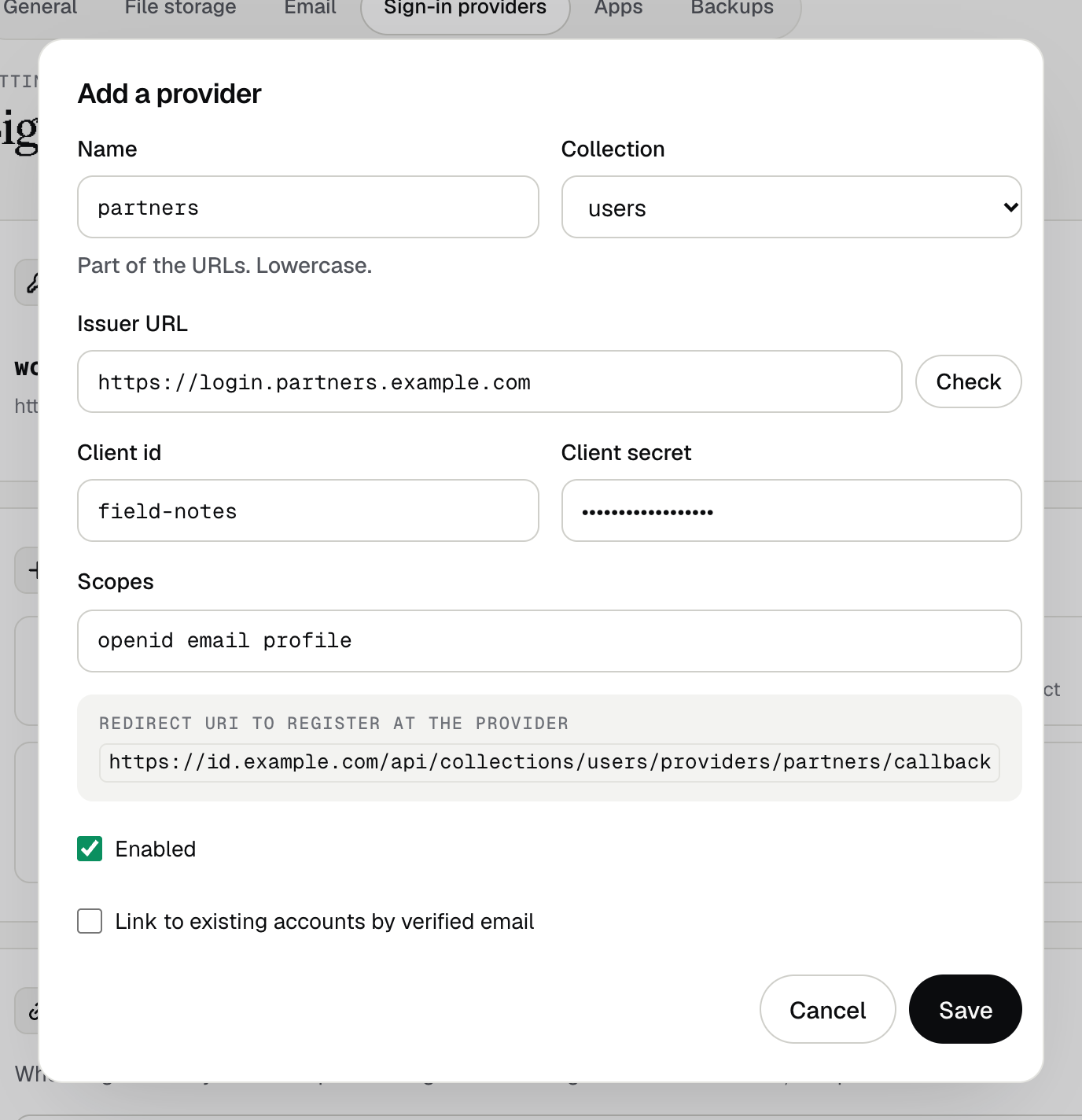
Leave Link to existing accounts by verified email off unless the provider verifies every address it reports.
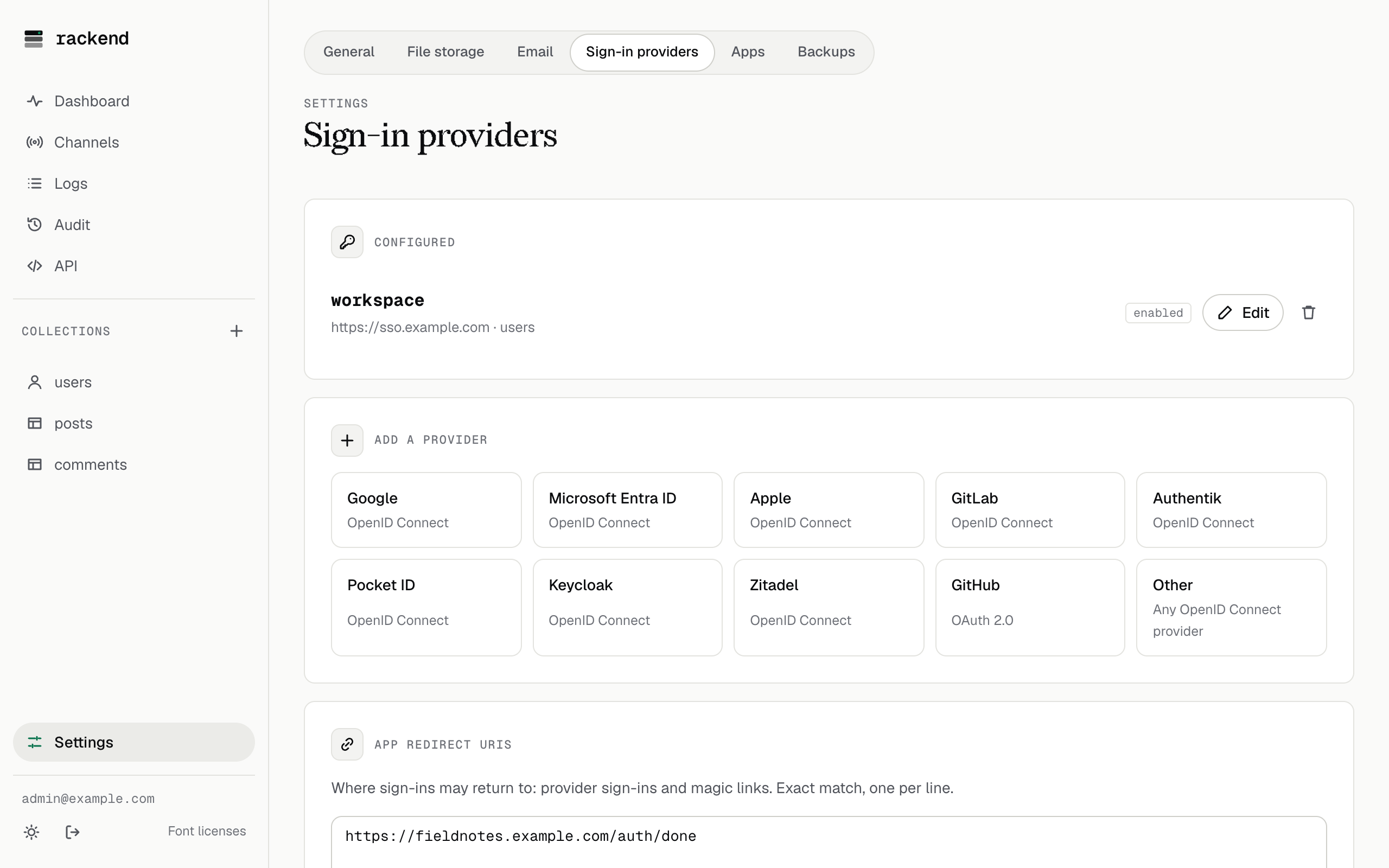
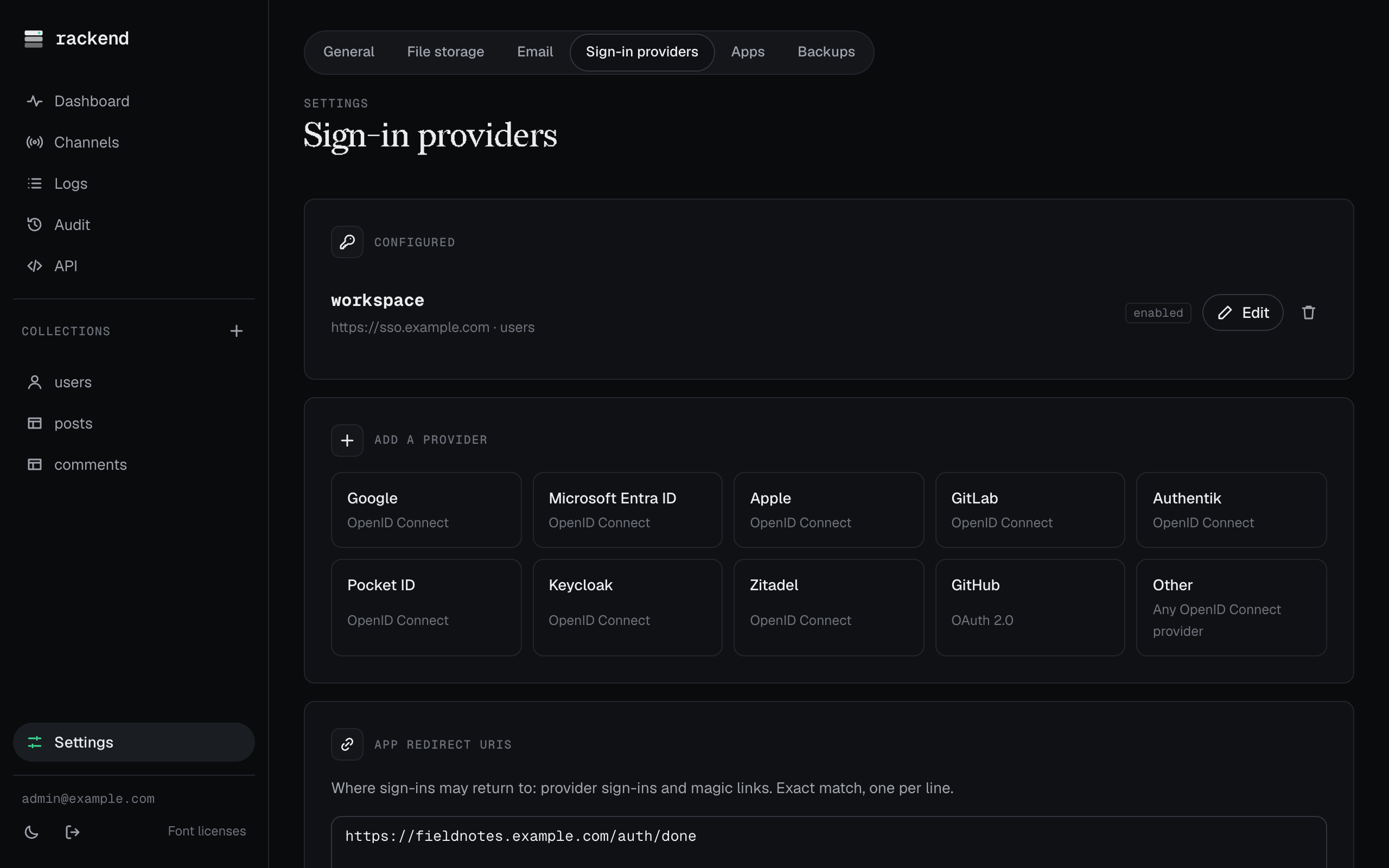
Signed-in users add a provider to their account with &link=true on the start URL.
The providers also appear on rackend’s hosted sign-in page for apps that sign in through rackend.